PetWaitsYour pet, on your desktop
Account

Bring your pet,
to your desktop.

Upload a photo and let your pet sing, dance, and keep you company while you work.

Real examples

You’ll know it’s yours at a glance.

Click and drag to play.Tap to play.
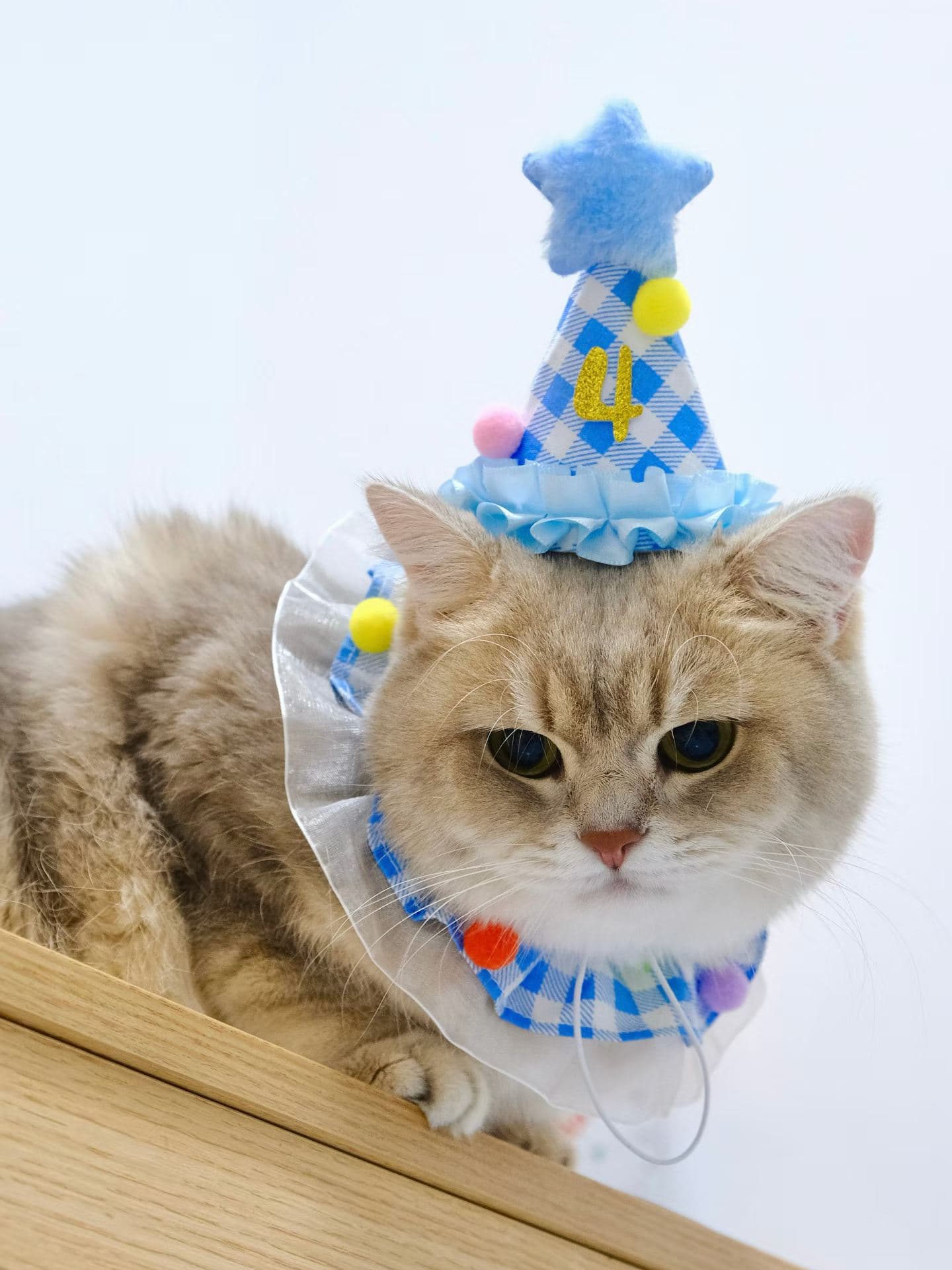
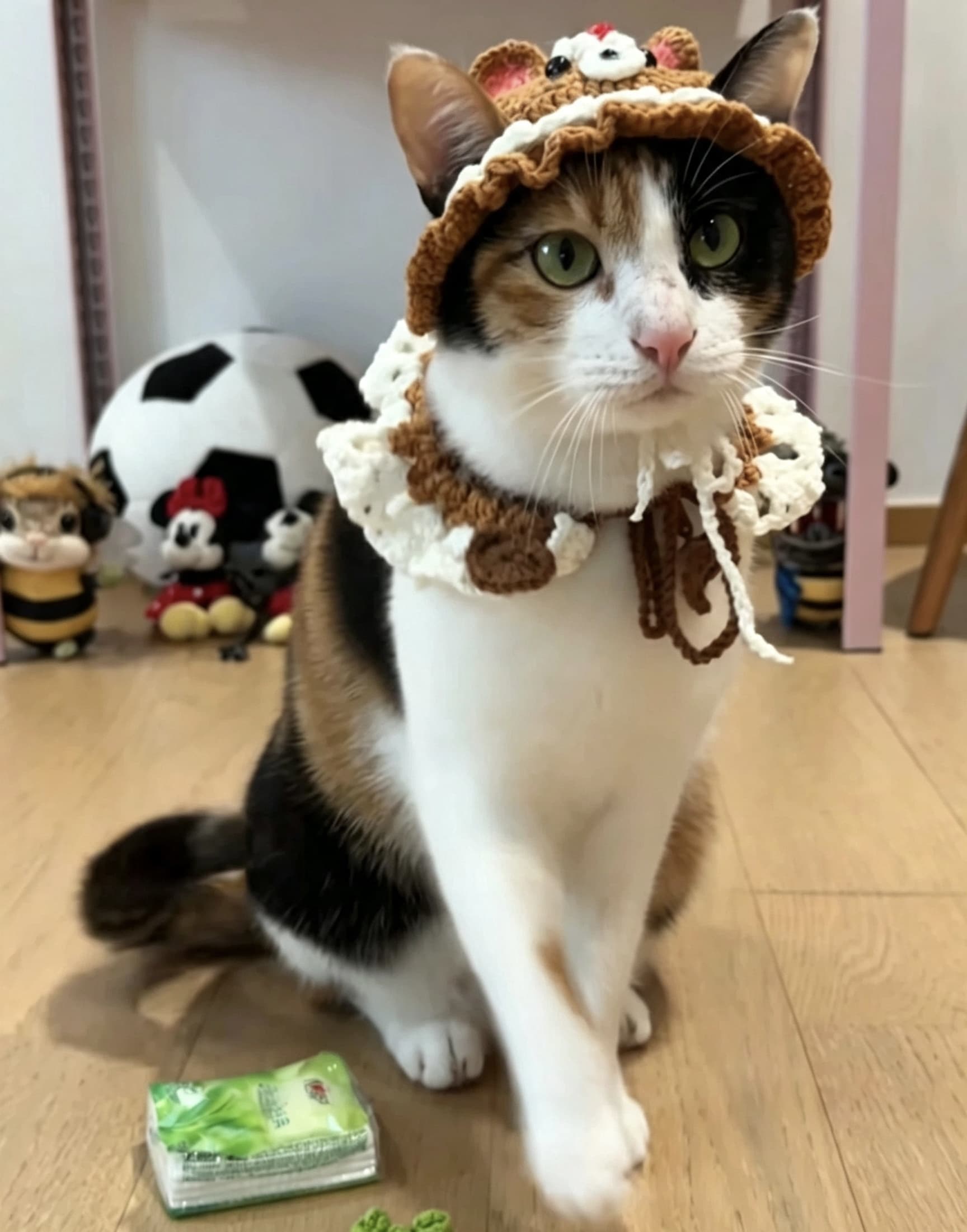
Original photo of Maple
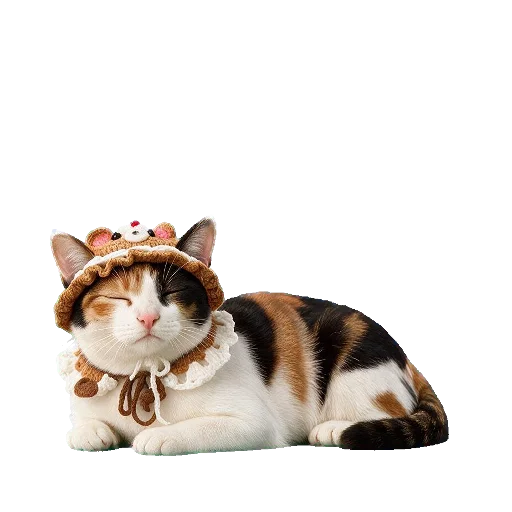
Desktop pet Maple, Sleeping
Sleeping

Maple

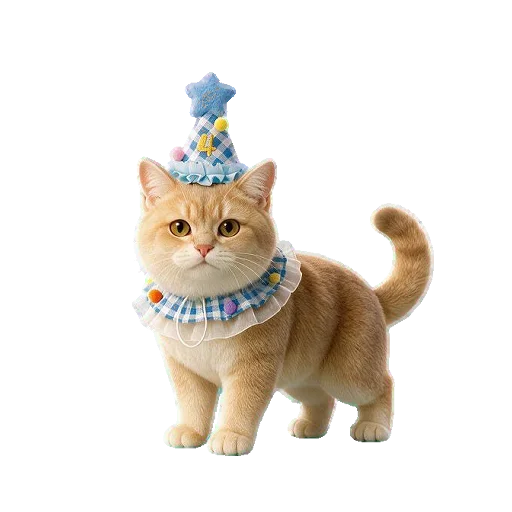
Tiny hat. Big personality.
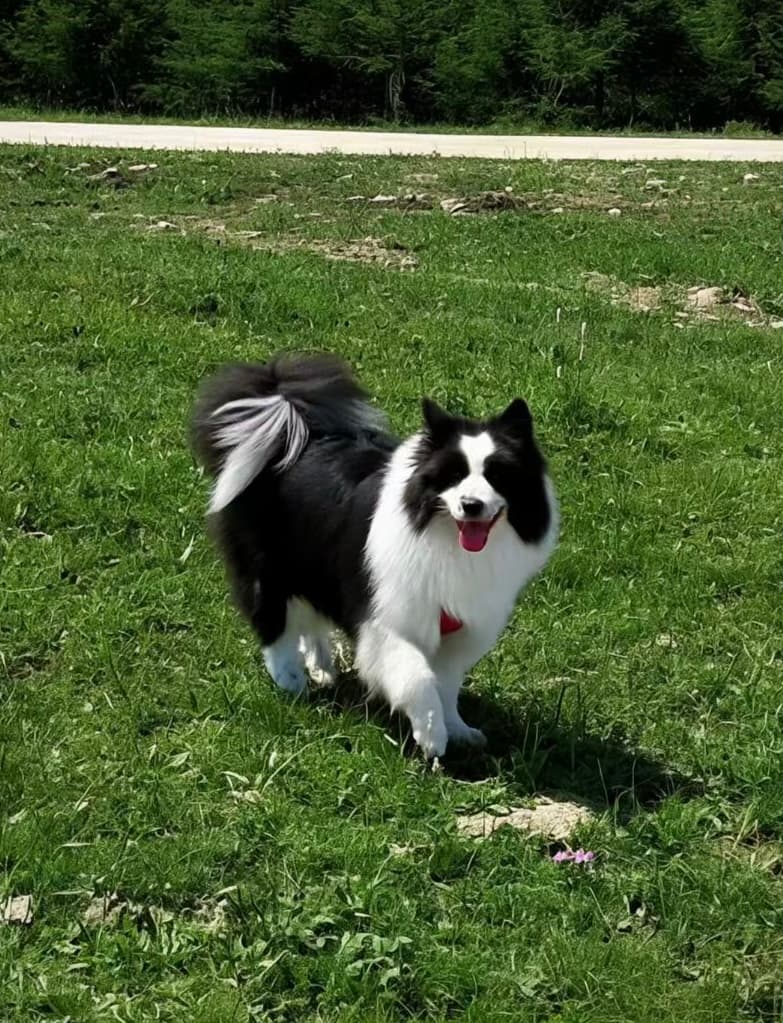
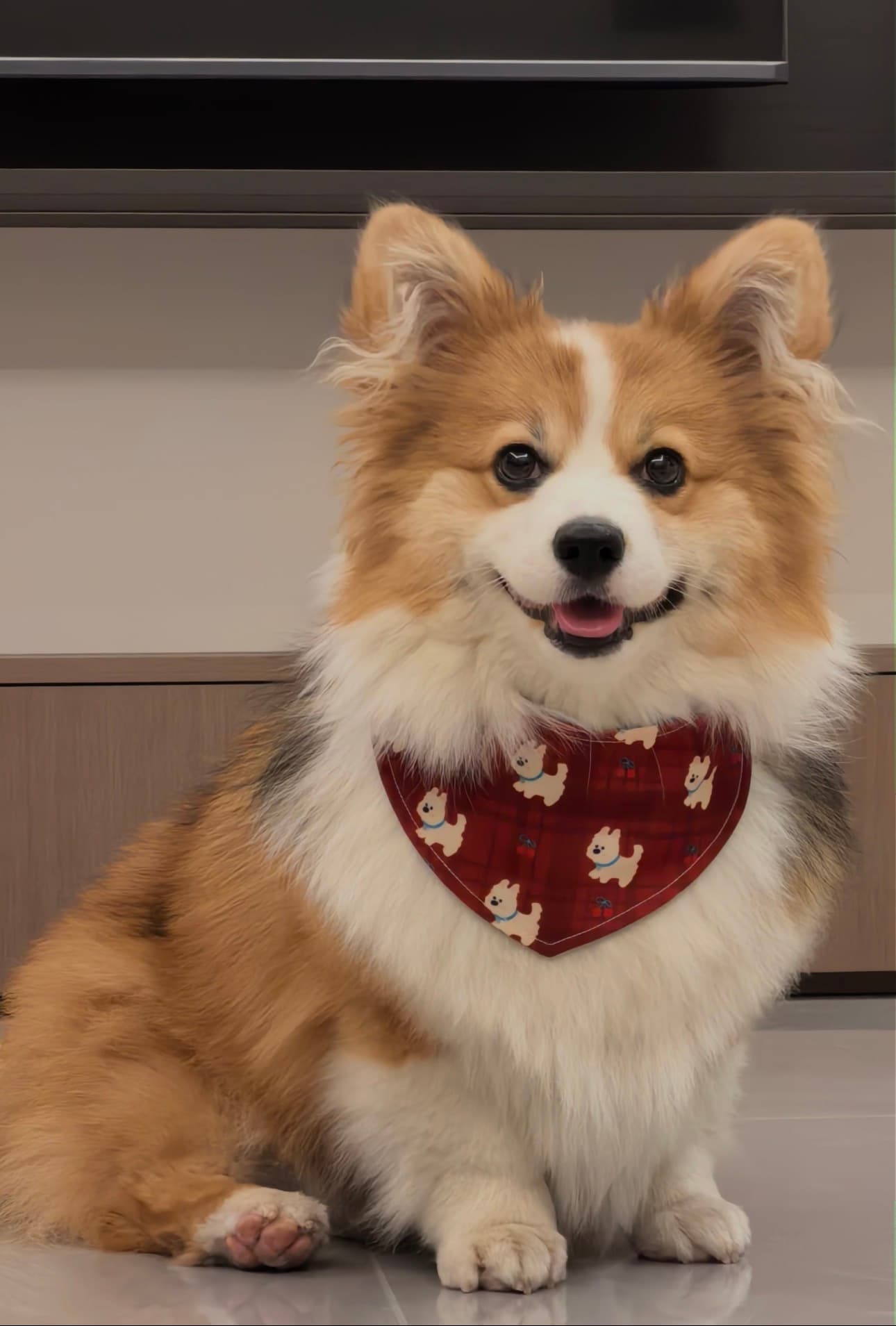
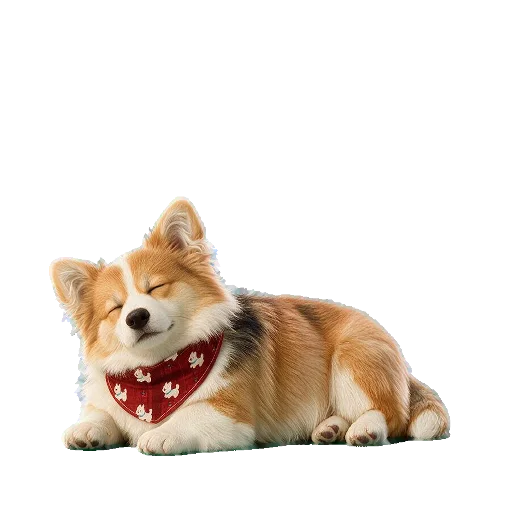
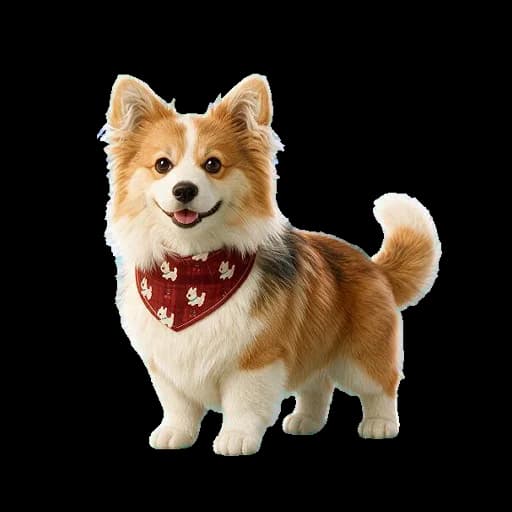
Original photo of Scout
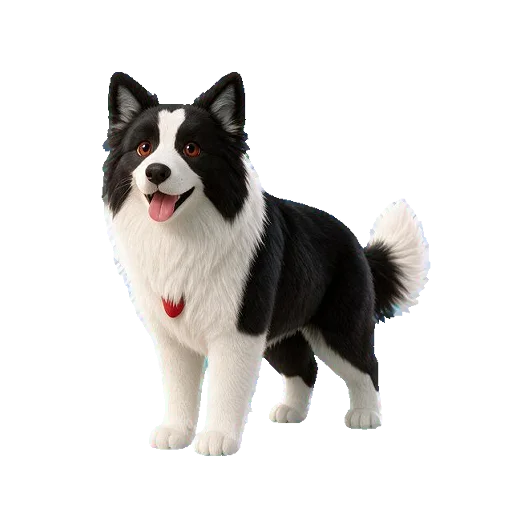
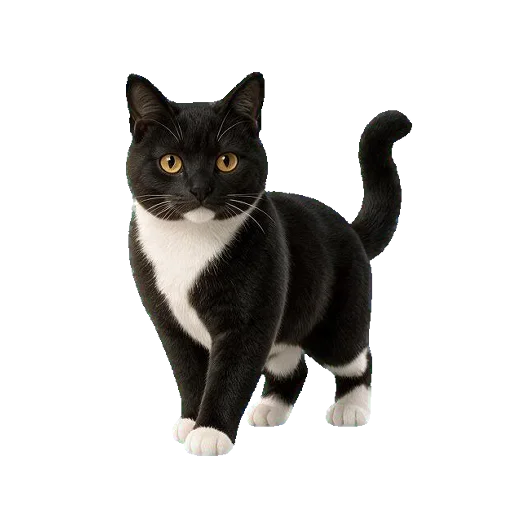
Desktop pet Scout, Idle
Idle

Scout

Your next break starts with a game of fetch.
Original photo of Biscuit
Desktop pet Biscuit, Idle
Idle

Biscuit

Every day deserves a little celebration.
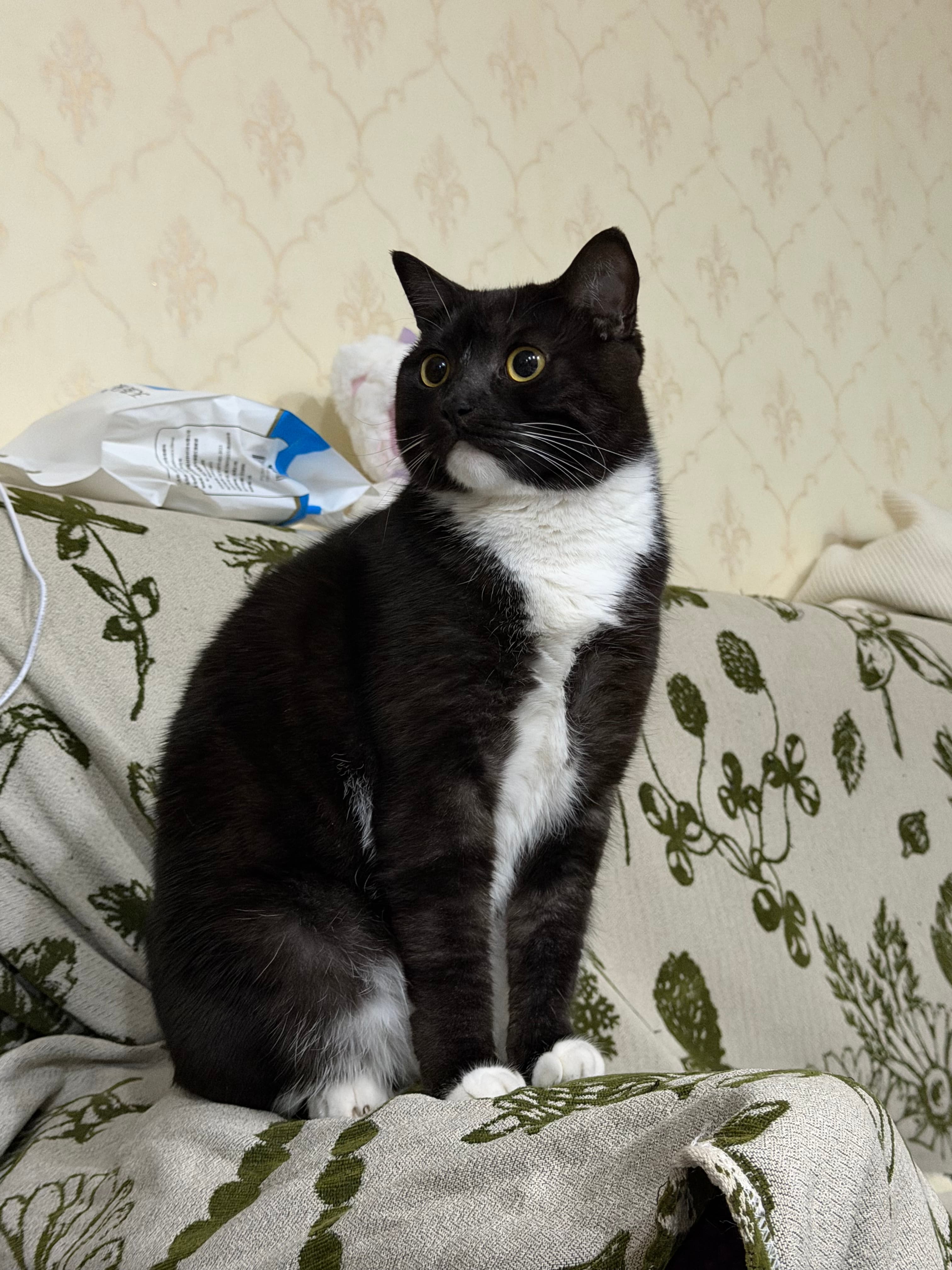
Original photo of Bandit
Desktop pet Bandit, Idle
Idle

Bandit

Head of desk security. Easily bribed with treats.
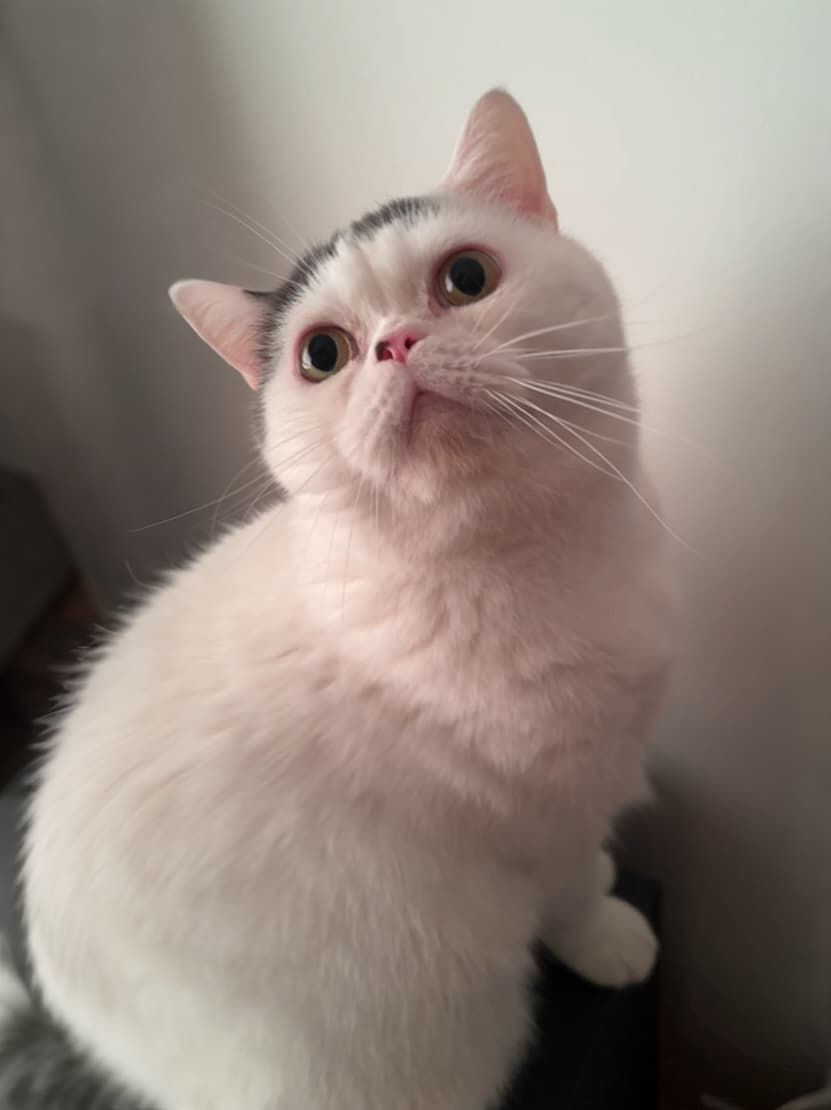
Original photo of Mochi
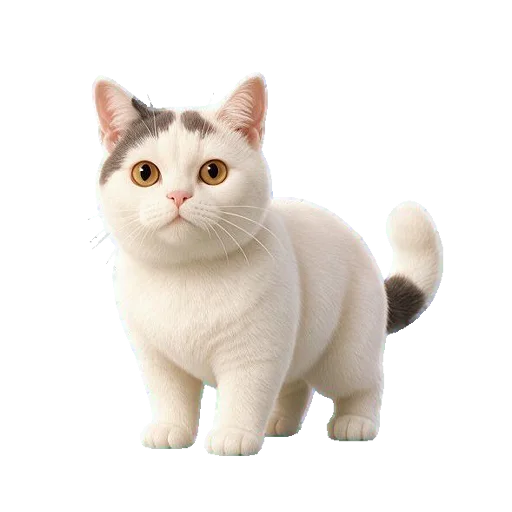
Desktop pet Mochi, Idle
Idle

Mochi

Soft paws, expert-level charm.
Original photo of Waffles
Desktop pet Waffles, Sleeping
Sleeping

Waffles

Currently chasing snacks in a dream.
Start with a photo of your petTurn them into a desktop pet that responds.It looks like them, moves, and responds.Create yours
There for you on your computer

A familiar face, right on your desktop.

  • See them as soon as you turn on your computer
  • Click or drag them, and they’ll respond
  • They can sing, dance, or simply keep you company
Create my pet
A real PetWaits app running on a desktop
Three simple steps

Upload a photo. Let AI do the rest.

PetWaits recognizes your pet’s appearance and features, then creates a custom look and interactive actions. In just a few minutes, your pet can appear on your desktop.

Upload a photo to get started From photo to desktopSee a real photo-to-desktop example and learn how to create a pet from your own photo.See how it works
01

Upload a photo

Choose a clear photo showing your pet’s full body.

02

AI customization

We create a custom look and interactive actions for your pet.

03

Desktop companionship

In just a few minutes, bring your pet to your desktop.

Limited-time offer

Reading price…/ pet

One purchase. A lifetime of companionship.

  • Full refunds available
  • Ongoing updates with new features at no extra cost
Make my pet
Frequently asked questions

Before you start, here are the key details.

What kind of photo should I prepare?

Use a clear photo with one pet in it and their whole body visible.

Can I leave the website while it’s generating?

Yes. After you submit, you can close the page and check progress later under “My Pets”.

How do I get my pet onto my computer when it’s ready?

Install the PetWaits app, sign in, then download your pet from “My Pets”.

Which computers are supported?

Mac (Intel and M-series) and Windows are supported.

Have a question?Contact support or browse the FAQs first.
Get support